The Trilogy: Godot Edition - Part 6 - Map collision
My problem
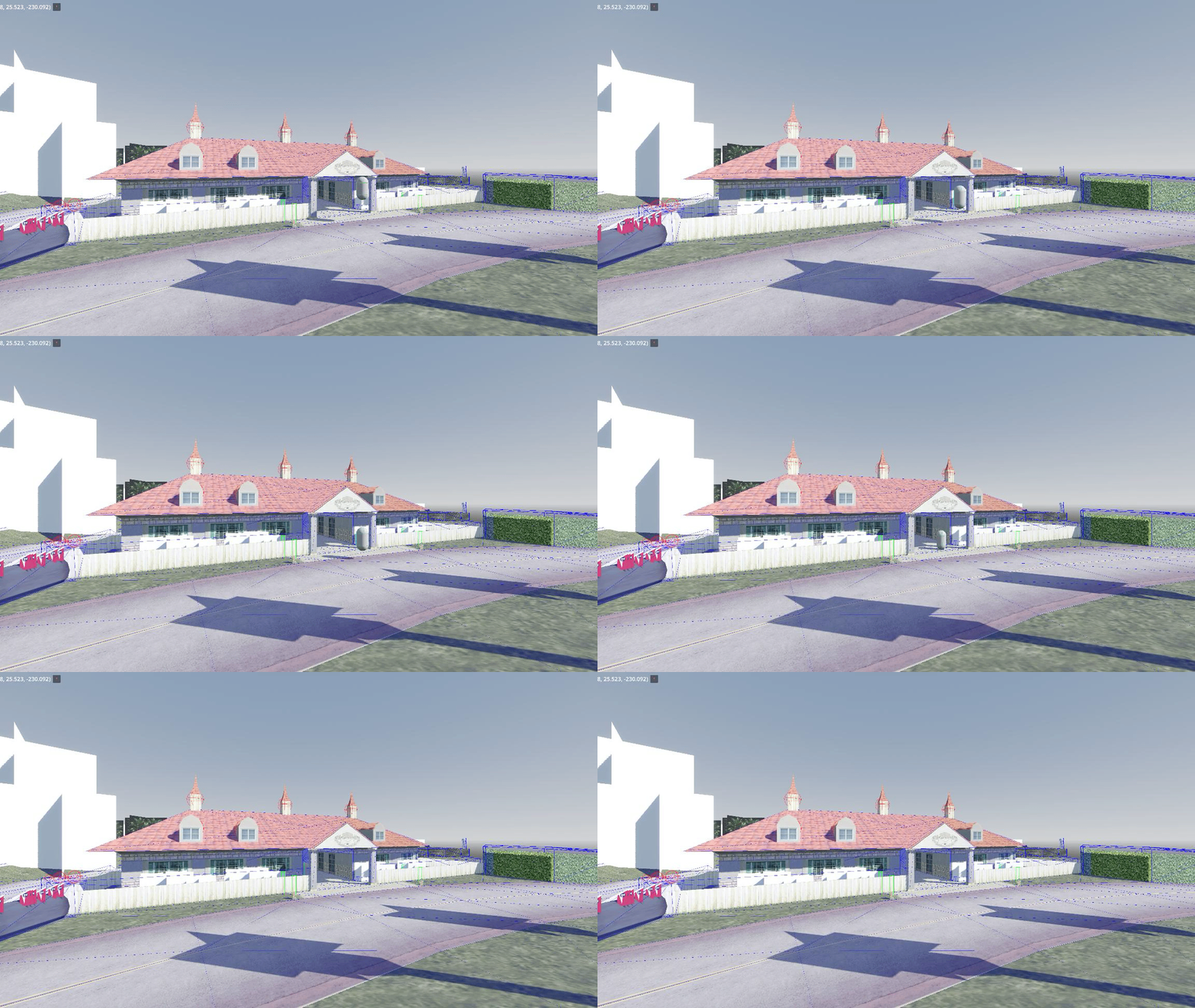
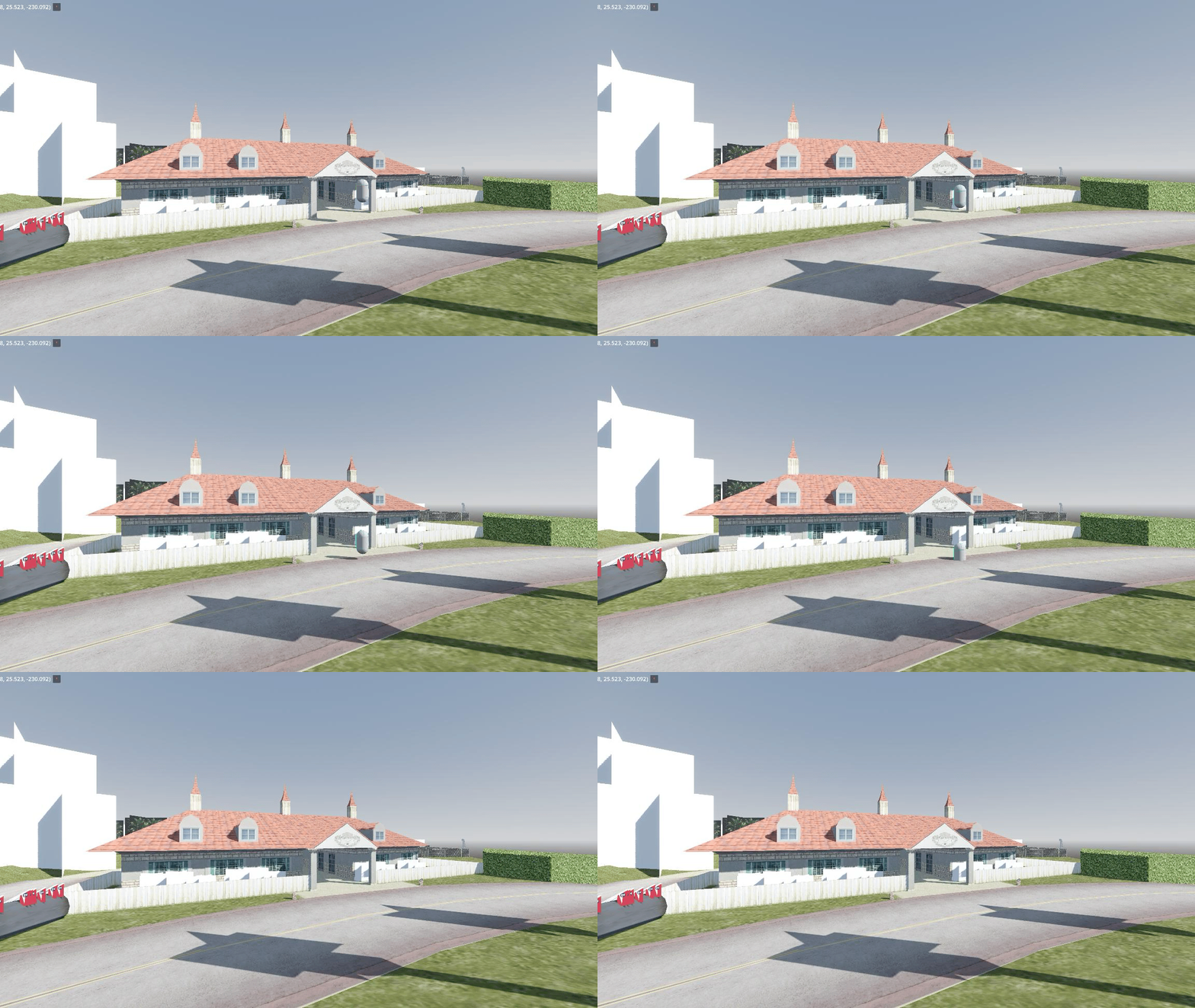
We got some nice visuals, but when we place our “player” in front of the golf course, he’ll just fall through the map.
To solve this we need to load the collision data for each map object, but how and when is this loaded? When we looked at the map files there was no mention of collision data except for these two lines:
COLFILE 0 MODELS\COLL\VEHICLES.COL
COLFILE 0 MODELS\COLL\WEAPONS.COL
Looking at the name of those collision files I don’t expect them to contain golf collision data except for a Caddy and Golfclub.
My guess
I do have an idea of how collision data is loaded, but that’s all based on the following best guesses: Back in the day when I was into modding, I had to make quite a few custom collisions. There are a couple of steps you had to take to add collision to your model:
- Create a coll archive
- Add a coll entry with the same name as your model
- Add the coll archive to the IMG archive
That seems easy enough, the game just looks for a coll entry with the same name as our model. But, when does the game load these?
Well, back in the day it was also not uncommon to accidentally create a corrupt collision file. When you imported a corrupt coll archive the game would crash during loading with a nice popup similar to this one.
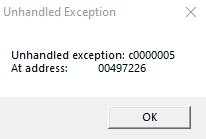
My guess; during loading, all collision archives inside the IMG file are read and loaded into memory or at least put into some kind of file table.
With the how and when figured out we can try to do the same in our implementation.
My solution
After loading an IMG file, I search for all .col entries in the file table and load them into memory, in my case a Dictionary for easy model name to collision lookup.
Something like the following pseudocode.
private Dictionary<string, Coll> _collisionData = new();

public void Load()
{
    Image img = LoadImg("gta3.img");
    var collisionEntries = img.FindByType("col");
    foreach (var entry in collisionEntries)
    {
        var collFile = LoadColFile(img, entry);
        // Add all entries in the collFile to the dictionary
    }
}
And as always the result: