The trilogy Godot Edition - Part 3 - Collision
With some basic model loading working (no worries we’ll get to the textures at some point!) it might be nice to look at something completely different; Collision!
What do I mean with collision?
The models we loaded up until now are only used for the visual representation of an object. The chair we loaded might look physical, but if someone would try to sit on it, they would fall through. The reason for this is that it’s lacking a physical model aka a collision model. A collision model defines the shape, and in case of GTA the material, of the model. We use the collision model to define the roads we drive on and the walls we bump into.
Why do we need separate collision models?
Physics are complex, even though we have amazing physics engines and our computers can compute millions of physic interactions per second, simulating everything using their visual representation would be impossible. The visual representation of a model is usually much more detailed than necessary for believable physics simulation.
Instead, physics of video games (and especially in the early 2000) used simplified shapes. Mostly a combination of (ordered by efficiency); spheres, boxes and basic meshes.
The collision file format
The collision format used by the GTA Trilogy has been documented at gtamods.com.
Short summary:
- Collision files contain multiple collision entries.
- Each collision entry can contain an array of Spheres, Boxes and a Mesh shapes.
- The shapes can reference a material which is hardcoded in the engine.
The ramp example
Let’s take a look at generic.col, this file is a collection of multiple col files into one. Also known as a coll archive. In our example we’ll focus on the entry ramp, this is simple collision model that uses all 3 types! A perfect example for this post.
The ramp exists out of 4 shapes:
- 2 Spheres
- 1 Box
- 1 Mesh shape
The spheres are used to cover the top of the pipes on the side. The box is used to cover the long pipe. And the mesh is used for the actual ramp.
Loading the collision data into Godot
Let’s start by creating a StaticBody3D, these are used for static objects like our ramp. As the name implies static bodies are not effected by other physics bodies, perfect for our static ramp.
A physics body like StaticBody3D needs one or multiple CollisionShape3D nodes, which define their shape using a Shape3D. The shapes we are interested in are: SphereShape3D, BoxShape3D and ConcavePolygonShape3D.
To create a StaticBody3D from our coll file all we need to do is convert our Spheres, Boxes and Meshes to Godot equivalents.
Spheres
Creating the SphereShape3D from our collision file data is the easiest. The data contains everything we need; a radius and a position.
Example code:
var collisionShape = new CollisionShape3D();

// Create the shape
var shape = new SphereShape3D();
shape.Radius = sphere.radius;

// Set the shape and update it's position according to the spheres center
collisionShape.Shape = shape;
collisionShape.Position = sphere.center;
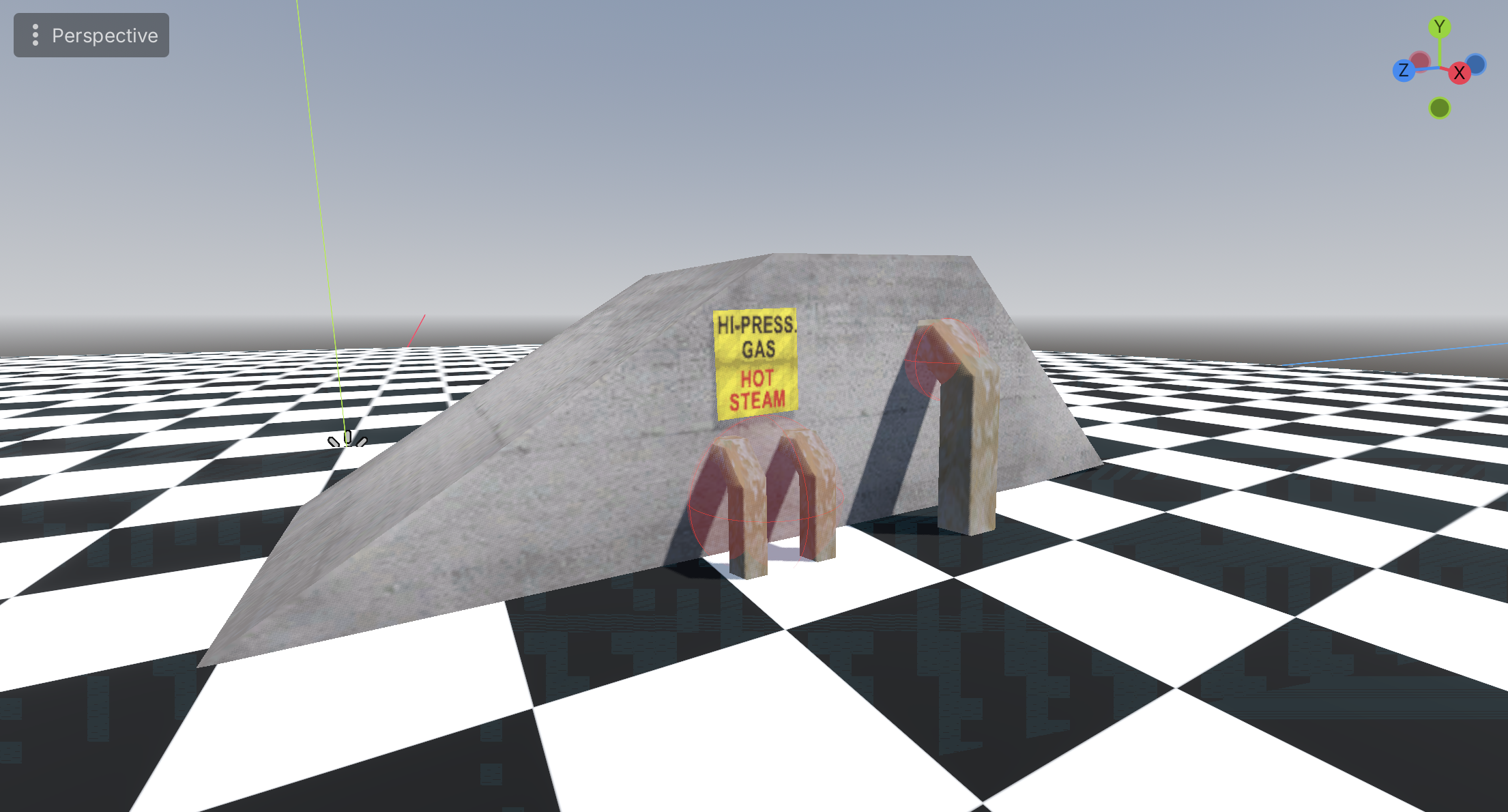
As you can see our example uses 2 spheres to cover the top of the pipes:
Boxes
BoxShape3D requires a tiny bit more work to create compared to spheres, as the required data is defined slightly different in the coll file compared to Godots implementation.
The data we got:
- Min (the minimum coordinates of the box). Example: Vector3(-10, -10, 5)
- Max (the maximum coordinates of the box). Example: Vector3(10, 10, 10)
BoxShape3D data:
- Size (the size of the box). Example: Vector3(20, 20, 5)
- Position (center position of the box). Example: Vector3(0, 0, 7.5)
Converting this data is as simple as:
Vector3 size = Vector3.Subtract(max, min)
Vector3 position = (min + max) * 0.5f;
Example code:
var collisionShape = new CollisionShape3D();

// Create the shape
var shape = new BoxShape3D();
shape.Size = Vector3.Subtract(box.max, box.min);

// Set the shape and update it's position according to the calculated box center
collisionShape.Shape = shape;
collisionShape.Position = (box.min + box.max) * 0.5f;
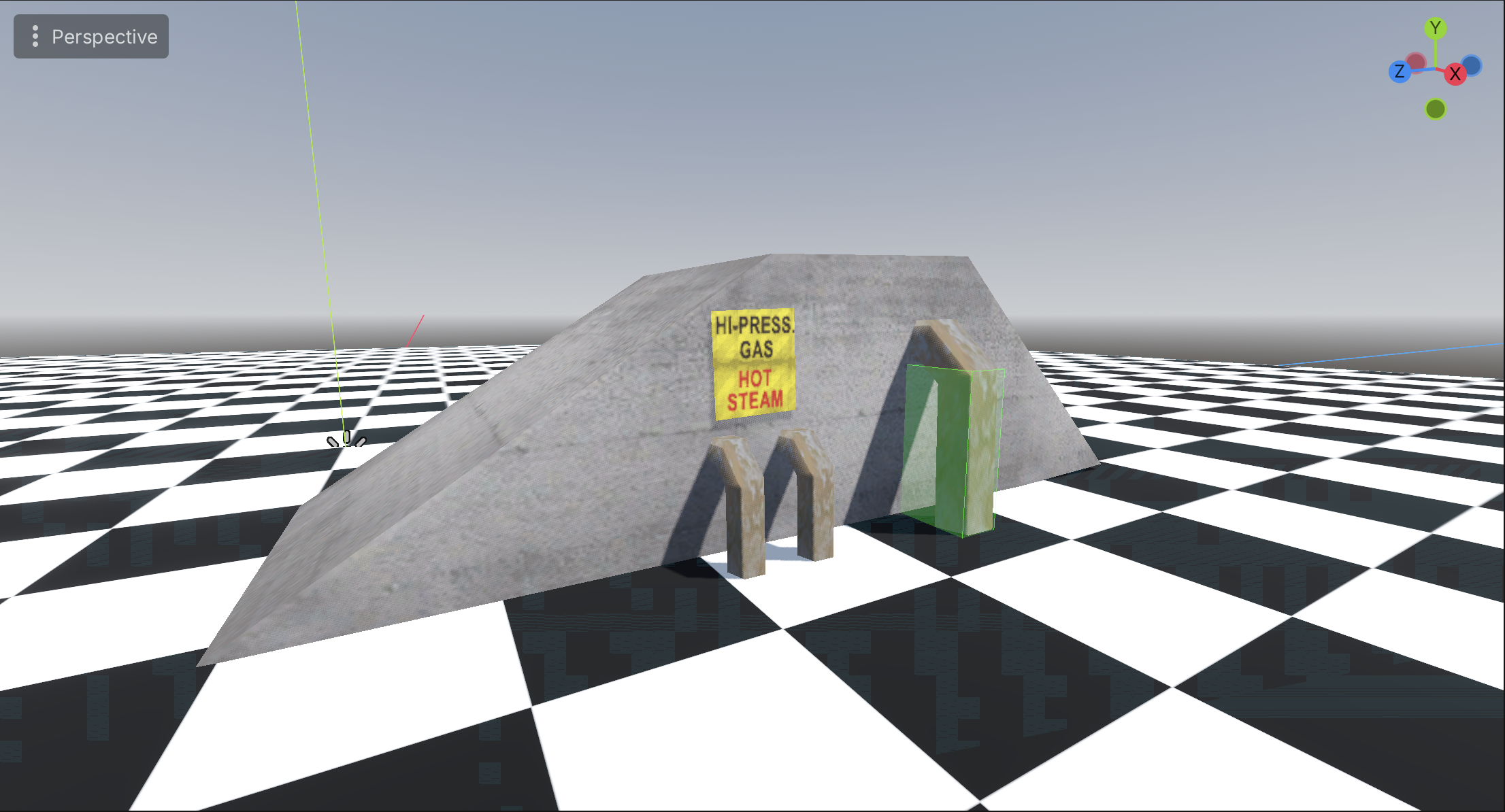
A single box collider is used to cover the long pipe:
Mesh
A coll entry can contain a single mesh. The mesh is defined by vertices and faces.
We can convert the mesh to a ConcavePolygonShape3D
Example code:
var collisionShape = new CollisionShape3D();

// Create the mesh shape
var meshShape = new ConcavePolygonShape3D();

// Convert the face / vertex data to a triangle array
var triangleArray = new Vector3[faces.Length * 3];
for (int i = 0; i < faces.Length; i++)
{
    triangleArray[i * 3] = vertices[faces[i].a].ToVector3();
    triangleArray[i * 3 + 1] = vertices[faces[i].b].ToVector3();
    triangleArray[i * 3 + 2] = vertices[faces[i].c].ToVector3();
}

// Apply the triangle data to the meshShape
meshShape.Data = triangleArray;

// Set the shape
collisionShape.Shape = meshShape;
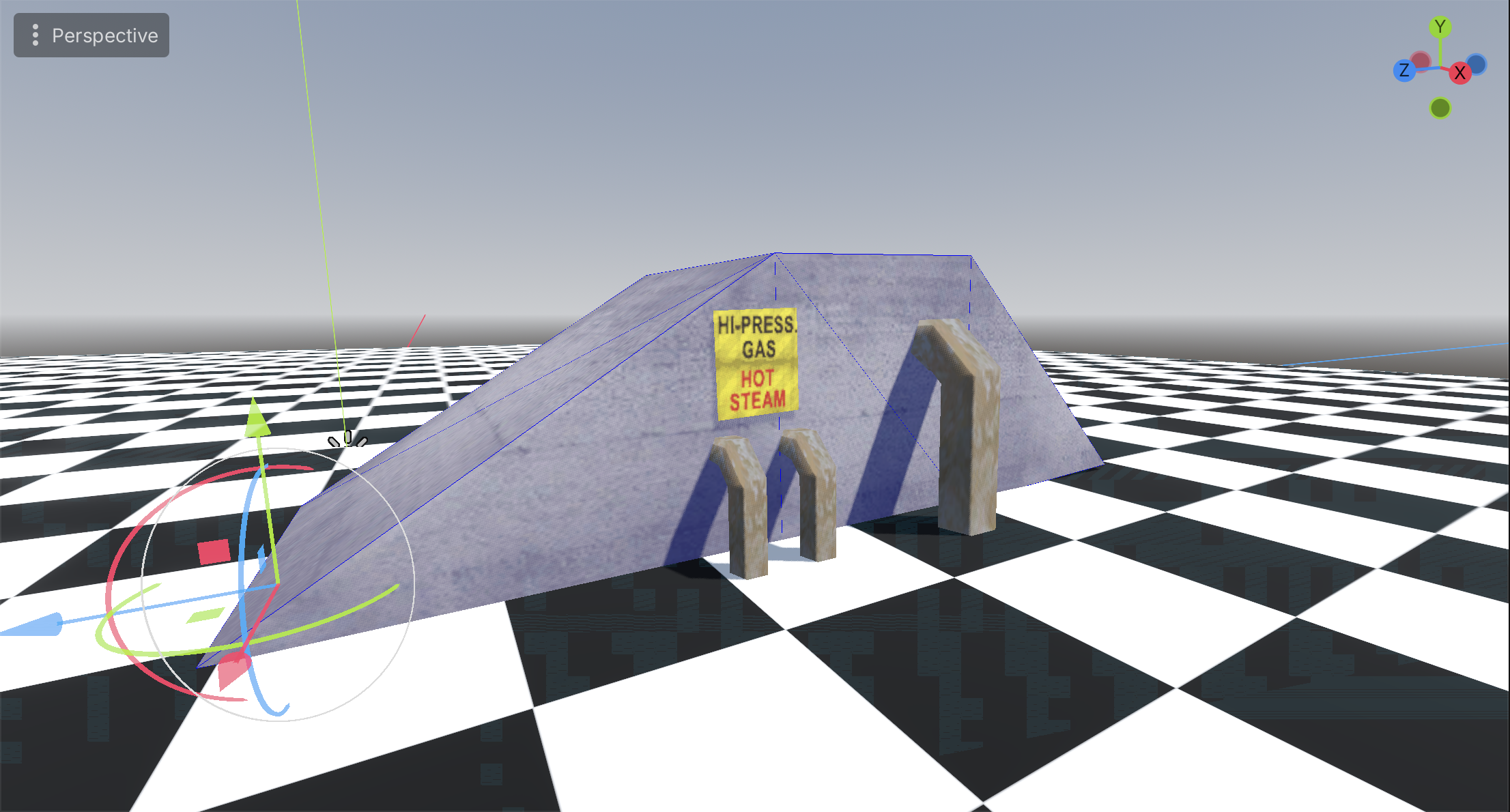
The actual ramp shape is defined using the mesh collider:
Final result
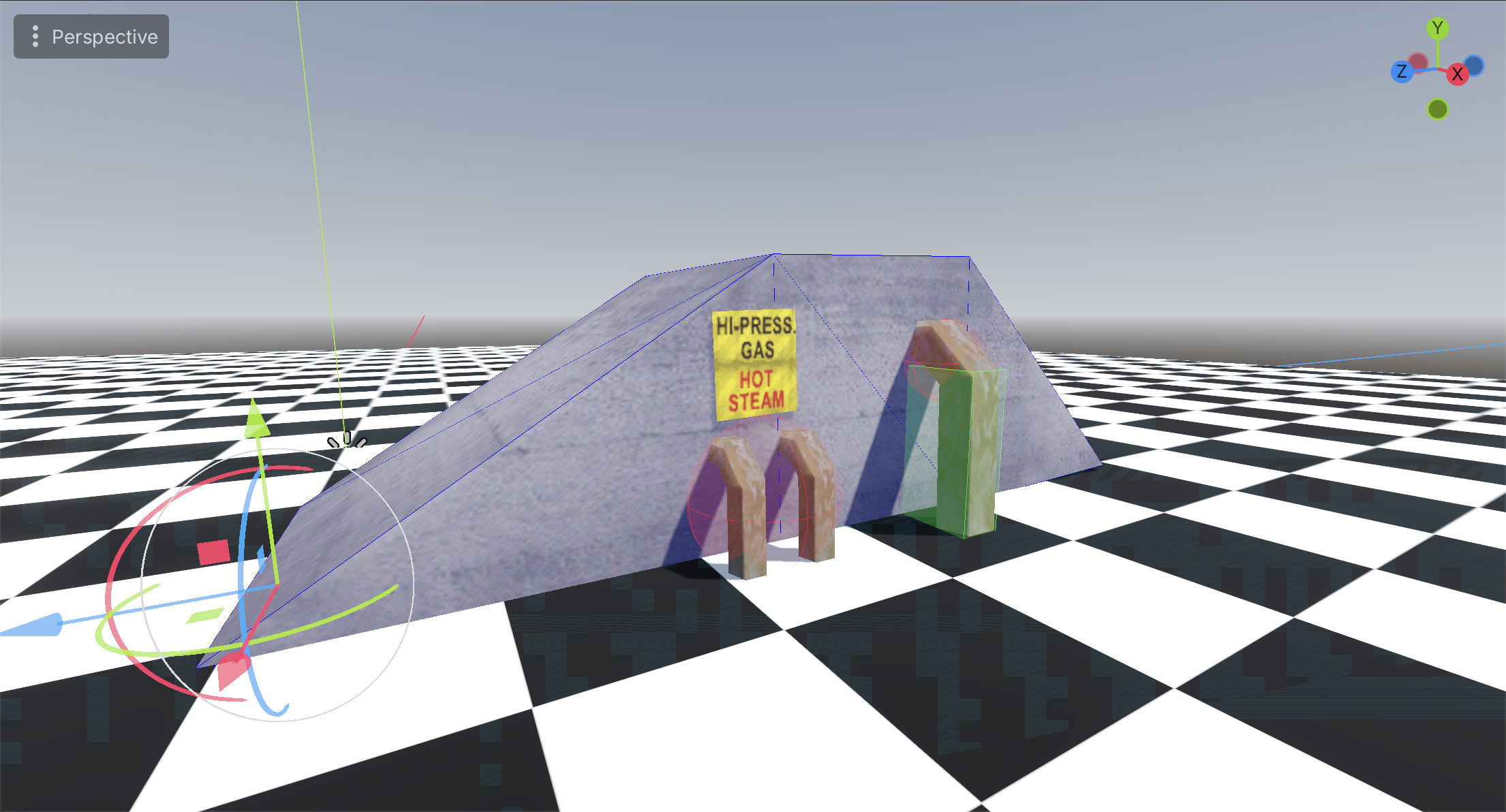
Below the full collision of the ramp: